AgentCore Gateway is the managed front door that turns scattered AI agent tool access into one governed endpoint. In this tutorial you will create a gateway, register a Lambda function as an MCP tool, write Cedar allow and deny rules, and read the audit record every call leaves behind. No gateway infrastructure to run, no credentials in client configs.
AgentCore Gateway: What You’ll Learn
You will build the smallest useful AgentCore Gateway setup: one gateway, one tool, one policy engine, one audit query. The steps use the same aws bedrock-agentcore-control commands and Cedar syntax you would run against a production account, so the AgentCore Gateway pattern keeps working when the tool count grows from one to fifty.
The credential sprawl hiding in mcp.json
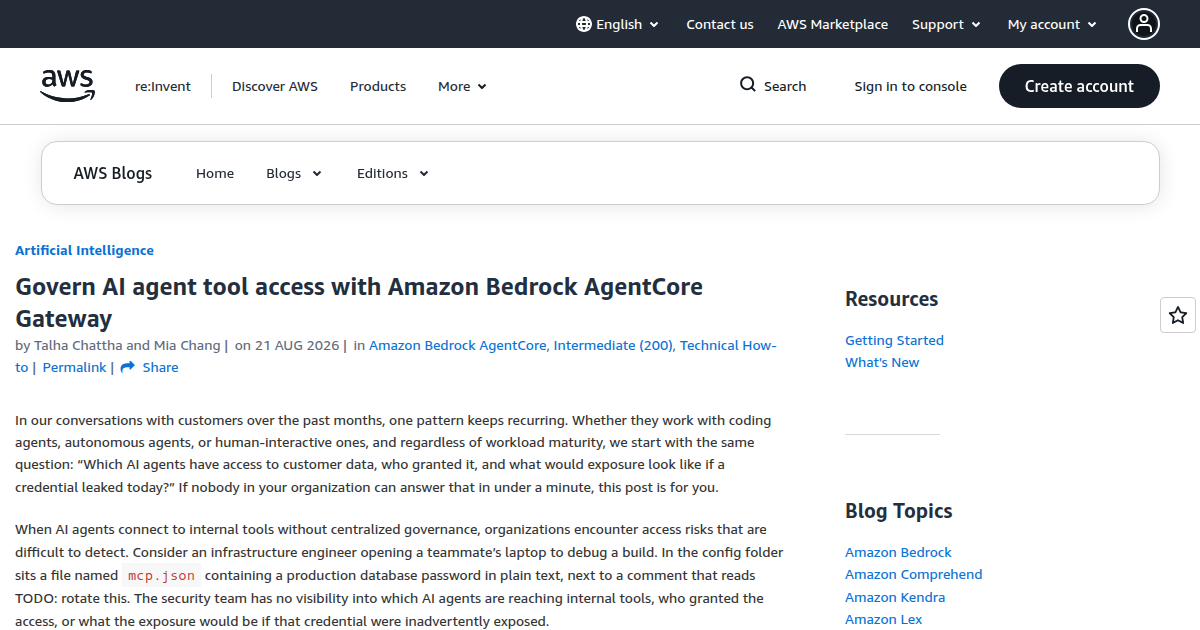
Every MCP client keeps its tool list in a local file named mcp.json, and that file usually holds backend endpoints sitting next to plaintext credentials. The AWS team behind AgentCore Gateway opens its walkthrough with a scenario most infrastructure engineers have already lived: debugging a teammate’s machine and finding a production database password in the open inside that config, with a comment beside it that says TODO: rotate this.
One laptop is not the real problem. Scale it. Ten assistants each holding credentials for five internal APIs means fifty credential sets, every one configured by hand. When a backend rotates a key, somebody has to find all fifty copies. Security has no inventory of which agents reach which tools, compliance has no answer to who invoked what and when, and finance cannot attribute spend to a team. AWS names five failure modes that follow from this: credential sprawl, policy drift, audit gaps, cost opacity, and integrations deployed outside review.
The question AWS leads with belongs on a whiteboard in every platform team’s room: which agents can reach customer data, and who approved that access? If nobody can answer in under a minute, the tool layer needs a front door, and AgentCore Gateway is that door.
What AgentCore Gateway gives you
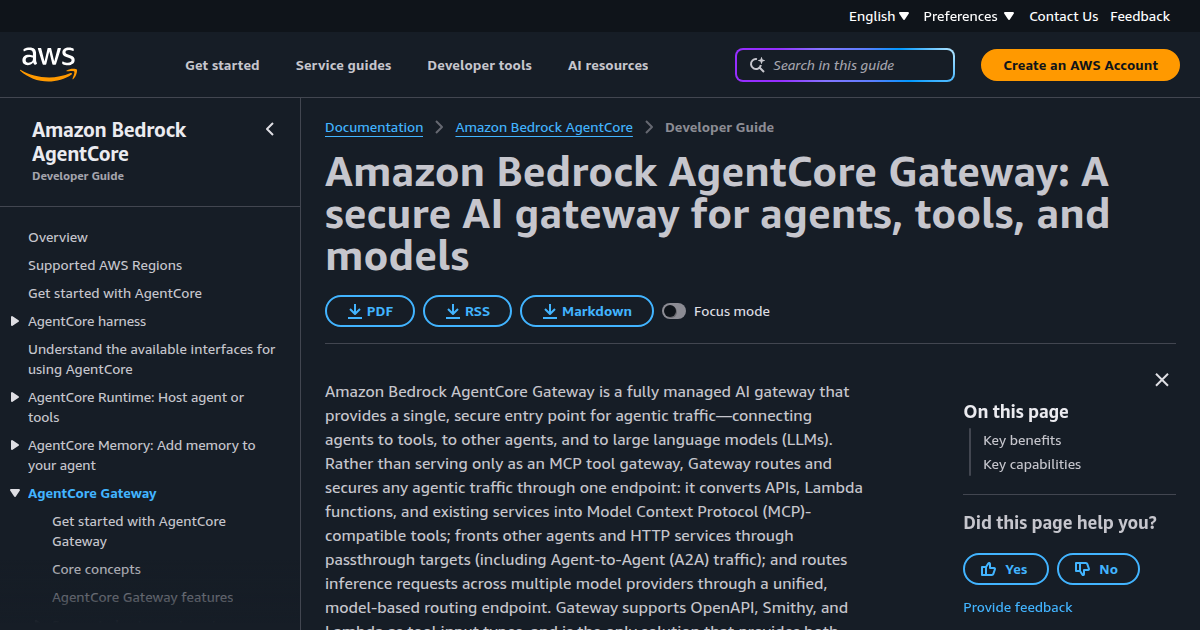
AgentCore Gateway is a capability of Amazon Bedrock AgentCore, the managed platform for building and running agents. The gateway is a single HTTPS endpoint that sits between your assistants and everything they call: tools, other agents, even model inference. It converts Lambda functions, OpenAPI specs, and Smithy models into MCP-compatible tools, passes agent-to-agent and plain HTTP traffic through as passthrough targets, and can route inference across model providers. We walked the platform as a whole, Runtime to Memory, in an earlier AgentCore deep dive; the developer guide covers the gateway surface in full.
Inbound, the gateway authenticates whoever is calling, through a JWT authorizer pointed at your identity provider. Outbound, AgentCore Identity holds the credentials your tools need and injects them per call, so backend secrets never leave AWS. Around both directions sit the pieces you will meet through the rest of this tutorial: AgentCore Policy for allow and deny decisions, Amazon Bedrock Guardrails for content and privacy filtering, and AWS Agent Registry as the catalog your teams browse.
Any MCP-speaking client works. Claude Code, Cursor, Kiro, and Amazon Quick connect directly, and agents built on CrewAI, LangGraph, LlamaIndex, or Strands Agents work the same way. One-click integrations exist for Salesforce, Slack, Jira, Asana, and Zendesk. If you would rather own the stack, Kong Gateway, LangFuse, Open Policy Agent, and NeMo Guardrails cover the same ground self-hosted.
Two more capabilities matter as the catalog grows. Semantic tool selection lets an agent search across registered tools and pull in only the ones relevant to the current task, so a hundred-tool AgentCore Gateway does not mean a hundred-tool prompt. Configurable rate limiting ships with the gateway at no extra charge, scoped by JWT claims, by target, or by tool name, which gives you abuse containment before you have written a single policy.
Create a gateway that only accepts your identity provider’s tokens
Work in a development account with one low-risk tool in mind. Create an Amazon Cognito user pool and an app client, then create the AgentCore Gateway pointing at it:
aws bedrock-agentcore-control create-gateway \
  --name pilot-gateway \
  --role-arn arn:aws:iam::<account-id>:role/GatewayRole \
  --protocol-type MCP \
  --authorizer-type CUSTOM_JWT \
  --authorizer-configuration '{
    "customJWTAuthorizer": {
      "discoveryUrl": "https://cognito-idp.<region>.amazonaws.com/<pool-id>/.well-known/openid-configuration",
      "allowedClients": ["pilot-gateway-client"]
    }
  }'
Two fields carry the security model. The discovery URL points at your identity provider’s OpenID configuration, which tells the gateway how to validate the JSON web tokens it receives. The allowedClients list names the only app client IDs the gateway admits, so a token minted for a different audience gets rejected at the door. After this one command, a Cognito-issued token is the single credential your assistants need.
Turn a Lambda function into an MCP tool
Next, register one target behind the gateway. A read-only search tool is the safe first candidate; a ticket search is the example AWS uses. Any Lambda ARN works:
aws bedrock-agentcore-control create-gateway-target \
  --gateway-identifier pilot-gateway \
  --name TicketSearch \
  --target-configuration '{
    "mcp": {
      "lambda": {
        "lambdaArn": "arn:aws:lambda:<region>:<account-id>:function:ticket-search",
        "toolSchema": { "inlinePayload": "<tool-schema-json>" }
      }
    }
  }'
Assistants reach that Lambda through the gateway’s MCP endpoint, which follows the pattern https://<gateway-name>.gateway.bedrock-agentcore.<region>.amazonaws.com/mcp. One entry in each assistant’s mcp.json replaces the local server definition, and while the pilot group is small, distributing that entry through your device management is enough:
{
  "mcpServers": {
    "enterprise-tools-gateway": {
      "url": "https://<gateway-name>.gateway.bedrock-agentcore.<region>.amazonaws.com/mcp",
      "type": "http"
    }
  }
}
The per-session loop is three steps. The assistant obtains a Cognito token, then presents it as a bearer credential on each tools/list and tools/call request. On receipt, the gateway checks the JWT, forwards the call to the registered target, and keeps the target’s own credentials inside AWS throughout. Every hop is recorded in Amazon CloudWatch Logs and AWS CloudTrail, closing the audit gap from the first section.
For the security team, the change is an inventory they never had. Every tool an assistant can reach is a target registered on the AgentCore Gateway. Every caller is a client on the allowedClients list. Every credential the tools need lives in AgentCore Identity instead of on laptops. The review surface shrinks from fifty config files to one API.
What happens inside one tool call
The order of operations explains where each control applies. An invocation reaching AgentCore Gateway carries its bearer token, and the gateway validates that JWT against your identity provider’s published keys. The policy engine evaluates the call next: the Cedar rules decide permit or forbid, and tools/list requests are filtered by the same engine, so the tool catalog itself already respects your rules.
If the call is permitted, any request interceptor Lambda runs, followed by the Guardrails checks attached to the policy. Only then does the gateway invoke the target, injecting outbound credentials from AgentCore Identity so the tool sees an authenticated caller without ever holding a long-lived secret of its own. On the way back, a response interceptor and the output-side Guardrails checks run before the assistant sees anything.
Every stage on that path writes a span. That is the difference between an access log and an audit trail: the record does not just say a call happened, it says which policy decided it and which filter touched it.
Write allow and deny rules in Cedar
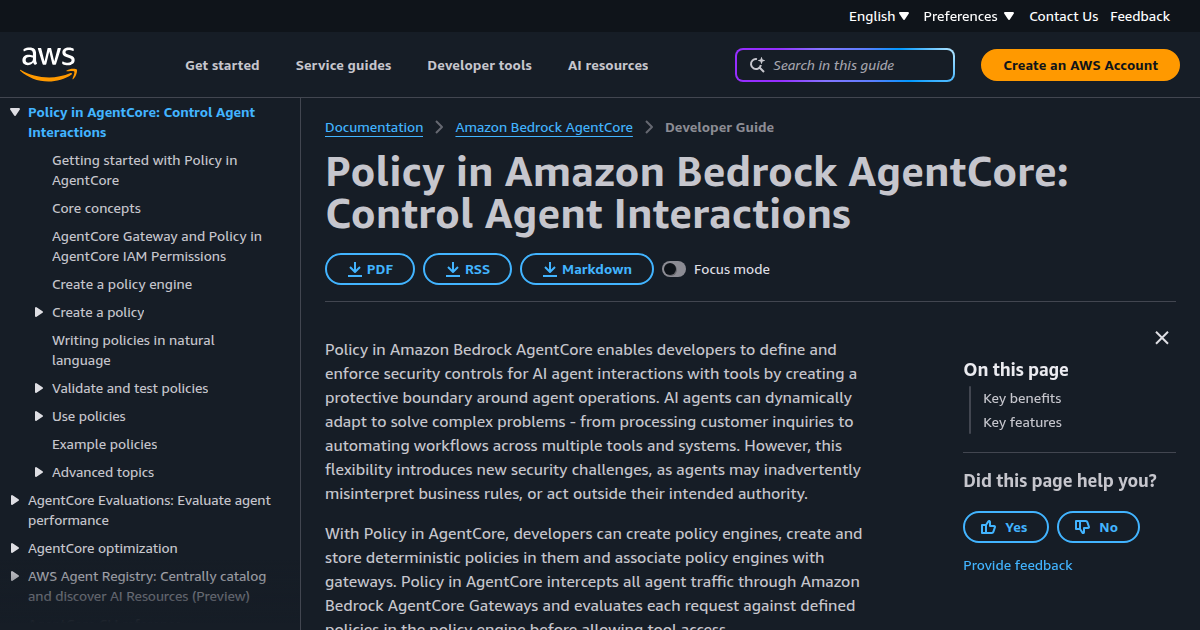
So far, any authenticated client can call any registered tool. Coarse, but honest for a pilot. The next layer is AgentCore Policy: you create a policy engine, store Cedar policies in it, and attach the engine to the AgentCore Gateway. Every request is then evaluated against those policies before a tool is reached, and tools/list itself is filtered per caller, so two users in different groups see different tools through the same URL.
Cedar is the open source policy language AWS uses for fine-grained permissions. A gateway action takes the form AgentCore::Action::"ToolName___invoke", and conditions can read both the caller’s token claims and the call’s input parameters. A minimal pair of rules, one permitting reads for any principal with a group, and one pinning a risky tool to a single group and environment:
// Anyone in a group may call the read-only search
permit (
  principal,
  action == AgentCore::Action::"TicketSearch___invoke",
  resource
) when { principal.hasTag("groups") };

// Refunds only for the support group, and only against staging
permit (
  principal,
  action == AgentCore::Action::"ProcessRefund___invoke",
  resource
) when {
  principal.hasTag("groups") &&
  principal.getTag("groups").contains("support-team") &&
  context.input.environment == "staging"
};
Two semantics matter when you write these rules. The engine is default-deny, so anything no rule permits is refused, and a forbid always overrides a permit, which makes deny rules the right place for hard limits. Claim names come from your identity provider: the tag written as groups above arrives as cognito:groups when Cognito issues the token, and the deployed gateway’s Cedar schema lists the exact tag names to use.
// Contractors never touch refund processing, whatever else permits
forbid (
  principal,
  action == AgentCore::Action::"ProcessRefund___invoke",
  resource
) when { principal.getTag("groups").contains("contractors") };
The forbid rule matters because of how it composes. Suppose a broader permit later opens ProcessRefund to every group during a migration window. The forbid still wins for contractors, because deny overrides permit in every case. Hard exclusions stay safe on the AgentCore Gateway while you iterate on the permissive rules around them.
Writing Cedar by hand is not the only option. Policy in AgentCore also authors from natural language: you describe rules in plain English, and the service generates the policy, validates it against your tool schema, and runs automated reasoning over the result to catch policies that grant too broadly, block too aggressively, or set conditions that can never hold, before anything is enforced. The policy documentation covers that workflow end to end.
Ship policy safely with LOG_ONLY
Enforcing a policy you have never observed against real traffic is how a routine deploy becomes an incident report. AgentCore Policy has a mode for exactly this: attach the engine to the gateway in LOG_ONLY, let it evaluate every call while still allowing them, and watch the CloudWatch metric aws.agentcore.policy.log_only_decision_flipping_policies. That metric names the policies that would have changed an outcome on the AgentCore Gateway, which tells you what enforcing will break before you flip anything.
Each decision is also written as an OpenTelemetry span in the aws/spans log group. A denied call looks like this, carrying the fields a compliance team actually asks for:
{
  "principal": "user:dana@example.com",
  "action": "ProcessRefund___invoke",
  "resource": "gateway/pilot-gateway/target/ProcessRefund",
  "decision": "Deny",
  "matchedPolicy": "policy-refund-staging-only",
  "reason": "context.input.environment != 'staging'"
}
That record is the audit answer in one line: who tried what, under which policy, and why it was refused. CloudTrail carries the API side of the same story for every AgentCore Gateway resource, so gateway creation, target registration, and policy updates are all attributable too.
Scrub PII before it reaches the model
Authorization decides who may call. Guardrails decide what may flow. Since July 2026, Amazon Bedrock Guardrails has been expressible directly inside Cedar policies through the suppressOutput effect and a when guardrails condition, so a policy can require a privacy pass as part of the same decision that permits the call. A representative configuration:
{
  "contentPolicyConfig": {
    "filtersConfig": [
      { "type": "PROMPT_ATTACK", "inputStrength": "HIGH", "outputStrength": "NONE" }
    ]
  },
  "sensitiveInformationPolicyConfig": {
    "piiEntitiesConfig": [
      { "type": "EMAIL", "action": "ANONYMIZE" },
      { "type": "US_SOCIAL_SECURITY_NUMBER", "action": "BLOCK" },
      { "type": "CREDIT_DEBIT_CARD_NUMBER", "action": "BLOCK" }
    ]
  }
}
With that attached, a social security number or card number is blocked outright before the model ever sees it, and email addresses arrive masked. Deploy in detect-only mode first, the same progression LOG_ONLY gives you for policy. For structural transforms that Guardrails does not cover, a request or response interceptor Lambda runs on the AgentCore Gateway without touching either the assistant or the tool.
What a gateway costs to run
Two metered pieces. AgentCore Gateway tool invocations bill at five dollars per million, and Policy authorization decisions at twenty-five dollars per million. Identity costs nothing when consumed through the gateway, and the rate limiting from earlier is included too. For scale, AWS’s reference point on the pricing page: fifty developers generating 572,000 monthly operations came to roughly seventeen dollars for gateway and policy combined. Governance here is not a line item anyone will notice.
Where one gateway stops being enough
The setup above authenticates applications and authorizes individual calls. Three growth steps come after. First, per-user identity: dynamic client registration lets each assistant register its own client on first contact with the AgentCore Gateway, after which the token’s subject claim identifies the actual user, which is what makes the Cedar group rules meaningful at company scale. Second, delegated consent: when a tool needs the user’s own authority against a service like GitHub, the gateway returns an MCP elicitation with error code -32042 carrying an authorization URL, and for systems that share your identity chain, an on-behalf-of token exchange passes identity through with no browser round trip at all.
Third, reach beyond AWS. Gateway VPC egress with AWS Direct Connect behind it puts on-premises databases and other-cloud systems behind the same door, and the client cannot tell the difference. Tool intake graduates from tickets to a reviewed pipeline, with AWS Agent Registry as the catalog teams browse and per-tool cost tags giving finance its attribution.
Policy grows on a separate axis. The Cedar rules in this tutorial decide the current call from claims and parameters. Dogwood, the open source governance language whose monitor is built into the AgentCore Gateway, adds rules over session history: rate limits, required prior steps, and cumulative caps. We covered those temporal policies, with worked Dogwood examples, in a separate deep dive, and AWS’s Dogwood authoring post shows the natural-language path to them.
A Worked Example
Here is the whole tutorial compressed into a rollout you can run in a week. Day one: create the Cognito user pool, the AgentCore Gateway, and one read-only search target in a development account. Days two and three: distribute the updated mcp.json to a pilot group through device management and validate the loop end to end, from token fetch through tools/list to tools/call. Week one: open CloudTrail and confirm every invocation left a record. The infrastructure you wrote to get there: zero servers, two CLI calls, one config entry.
In week two, attach a policy engine in LOG_ONLY and let real traffic grade your first rules. The decision-flipping metric usually surfaces something humbling: a group name that does not match the identity provider’s claim, or a parameter gate that misses how the tool is actually called. Fix the rules, not the callers, and promote to ENFORCE once the metric goes quiet. Guardrails follow the same detect-then-block progression on their own schedule.
Once traffic flows, the weekly habit is reading spans, not admiring dashboards. A CloudWatch Logs Insights query against the aws/spans log group answers the questions auditors ask in one pass: which principals were denied most, which policies denied them, and whether any deny rate moved after a policy change. A deny rate that spikes usually points at a rollout bug, a claim name mismatch for instance, rather than an attack, and the reason field in each span says which.
AWS describes a financial services team that walked this path over six months. Two analysts with one staging tool grew to a thousand users behind private connectivity, with audit requirements answered by the span and CloudTrail records alone. The detail worth copying is not the scale. It is the trigger: each expansion answered a concrete question from compliance or finance, and nothing was built ahead of the question that demanded it. That discipline is what keeps an AgentCore Gateway rollout shipping with the agents instead of waiting on them.
AgentCore Gateway: Common Mistakes to Avoid
Teams hit the same walls often enough that the AWS walkthrough calls them out by name. Four of them account for most of the pain in a young AgentCore Gateway deployment.
- Building the entire governance program before any agent ships. Teams that gate AI use on a finished gateway spend months and deliver the wrong thing; one governed tool this week answers more audit questions than a design document ever will.
- Enforcing policy on day one. Rules promoted straight to ENFORCE without a LOG_ONLY period deny real work for reasons a metric would have predicted. Watch the decision-flipping data first, then promote.
- Leaving credentials in environment variables. The gateway exists so secrets live in AWS Secrets Manager or behind KMS-backed signing keys instead of process environments, with rotation handled outside the config file entirely.
- Assuming IAM SCP condition keys cover gateway traffic. The
aws:ViaAWSMCPServicekeys apply to AWS-managed MCP servers, not to your own AgentCore Gateway. For yours, restrict the target’s execution role.
AgentCore Gateway: Best Practices
- Register one low-risk, read-only tool first and let a pilot group use it before anything with write power joins. Additive change keeps rollback trivial.
- Run separate accounts for development, staging, and production, and promote AgentCore Gateway definitions and policies through infrastructure as code rather than consoles.
- Tag gateway spend per tool and per group from day one, so finance attribution is a Cost Explorer filter instead of a reconstruction project.
- Read the deny logs monthly. A principal at the top of the deny list usually means a policy is too tight.
- Automate deprecation: a tool unused for 30 days moves to LOG_ONLY and is removed after 90, keeping the registry free of dead entries.
AgentCore Gateway: Frequently Asked Questions
Does every assistant need to speak MCP to use AgentCore Gateway?
No. The gateway converts OpenAPI specs, Smithy models, and Lambda functions into MCP tools, so tools adapt to the client. Claude Code, Cursor, Kiro, and Amazon Quick connect over HTTP, and agent-to-agent plus legacy REST traffic pass through untouched.
Is AgentCore Gateway the only option for governing agent tool access?
No. Kong Gateway, LangFuse, Open Policy Agent, and NeMo Guardrails cover authorization, policy, guardrails, and observability self-hosted. The managed service trades server ownership and integration code for per-million pricing and native CloudTrail.
How do these Cedar rules differ from temporal policies?
Cedar rules here decide the current call from token claims and input parameters. Temporal policies in Dogwood reason over session history: rate limits, required prior steps, cumulative caps. The gateway’s built-in monitor enforces both layers.
What does a pilot actually cost?
Gateway invocations run five dollars per million and policy decisions twenty-five dollars per million, with Identity free through the gateway. AWS’s worked example, fifty developers making 572,000 calls a month, billed about seventeen dollars.
Can different teams see different tools through one gateway?
Yes. Policy filters the tools/list response per principal, so a support engineer and a data analyst pointing at the same AgentCore Gateway URL receive different tool catalogs, matching the groups their tokens carry.
AgentCore Gateway replaces fifty hand-managed credential sets with one authenticated door: Cedar policy evaluated before every tool call, Guardrails scrubbing what flows through, and a span log that answers who called what and why it was allowed or denied. Start with one read-only tool, run policy in LOG_ONLY, and expand when a real question demands it.
Continue Learning
- Bedrock Prompt Caching: the Cost and Latency Math
- AgentCore Security: Temporal Policies and Rate Limiting
- AgentCore on AWS: The Enterprise Agentic AI Platform
- AWS Serverless Agentic AI with Lambda and Bedrock
- GPT-5.6 on Amazon Bedrock: Inference, Pricing, and Quotas
- Bedrock Web Search: External Access and Domain Filters