


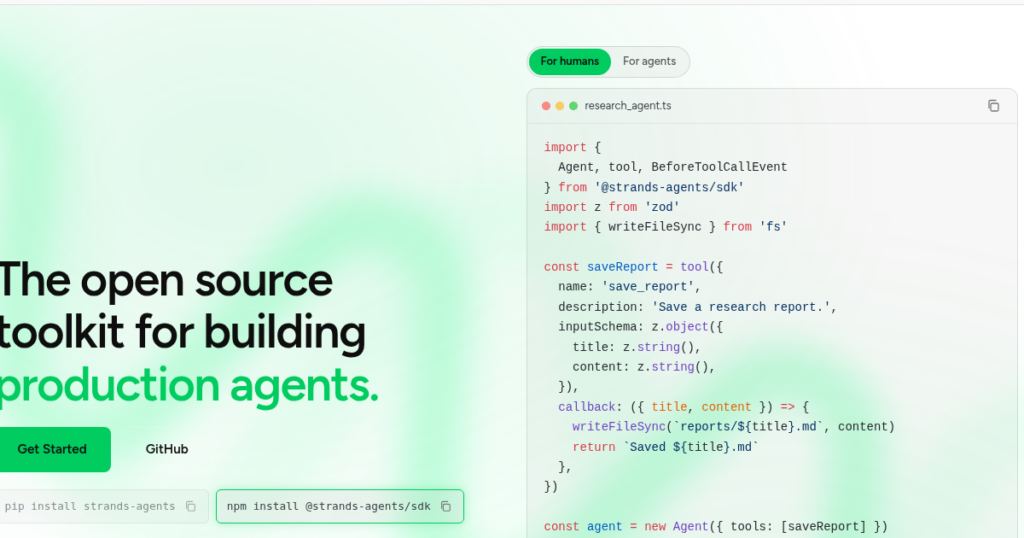
Choosing between agentic AI frameworks is one of the first real architectural decisions you make when moving from “call an LLM” to “build an agent that plans, calls tools, and reports back.” In this lab you’ll build the exact same research assistant twice — once with AWS’s open-source Strands Agents SDK, once with LangChain wired to Amazon Bedrock — so you can compare the two frameworks on identical ground instead of guessing from documentation alone.

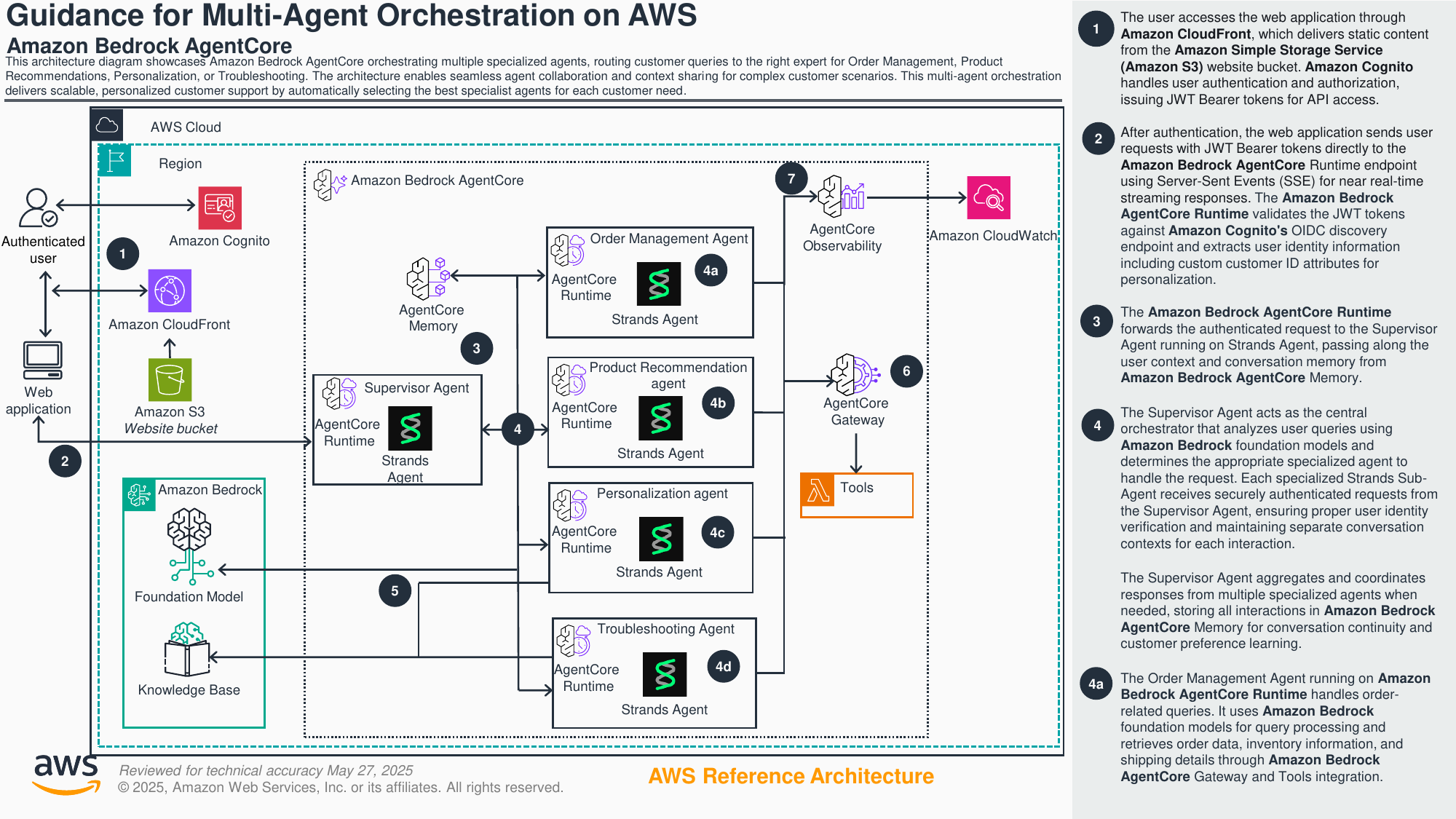
What You’ll Build With Both Frameworks
By the end of this lab you will have two working, functionally identical implementations of a small “research assistant” agent: it can search a tiny in-memory corpus of documents by keyword, retrieve the full text of a matching document,
and summarize what it found in plain language. You will run one version on AWS’s Strands Agents SDK and a second version on LangChain with Amazon Bedrock as the model backend, both using the same underlying Bedrock-hosted Claude model so that behavior differences come from the framework, not the model.
This is a hands-on companion to the conceptual overview in the parent tutorial on agentic AI frameworks. The code here is self-contained, so each concept is explained as it comes up.
Prerequisites, all real and checkable before you start typing:
- An AWS account with permission to call Amazon Bedrock (`bedrock:InvokeModel` / `bedrock:Converse` at minimum).
- Bedrock model access enabled for an Anthropic Claude model in your target region — this is a separate, one-time step in the Bedrock console under “Model access” and is the single most common blocker in this lab (see Common Mistakes below).
- Python 3.10 or newer. Both frameworks assume modern type-hint syntax.
- AWS credentials configured locally — either `aws configure` (shared credentials file), environment variables (`AWS_ACCESS_KEY_ID`, `AWS_SECRET_ACCESS_KEY`, `AWS_SESSION_TOKEN` if using temporary creds), or an assumed role if you’re on a bastion/Cloud9/CodeCatalyst environment.
- `pip install strands-agents` for the Strands half of the lab.
- `pip install langchain-aws langgraph` for the LangChain half — `langgraph` is required because the modern, non-deprecated way to build a tool-calling agent in the LangChain ecosystem is `langgraph.prebuilt.create_react_agent`, not the older `AgentExecutor` class.
- A text editor and a terminal. No AWS console clicking is required beyond enabling model access.
- Roughly 45–60 minutes if you’re typing the code by hand and reading the explanations; 15–20 minutes if you’re just running the finished snippets.
This lab is deliberately narrow: the “documents” are three short strings in a Python list, not a real vector database, because the goal is to isolate framework ergonomics — tool definition, agent construction, and the run loop — not retrieval quality. Swapping the in-memory list for a real retriever (Amazon Bedrock Knowledge Bases, OpenSearch, or a plain vector store) later is a mechanical change, not a conceptual one.
Both implementations use the identical Bedrock model ID, system prompt, and two tools with identical docstrings and argument names, and are asked the identical question. The only thing that varies is each framework’s own scaffolding — how you register a tool, construct the agent object, and invoke it. That isolates exactly the layer of the stack a framework decision actually touches, without letting model-quality differences leak into your judgment.
Step-by-Step Walkthrough With Both Frameworks
Step 1 — Set up the shared “document corpus”
Both implementations search the same tiny corpus, so define it once and import it into both scripts (or just paste it twice if you want two fully standalone files — that’s what we do below so you can run either one independently).
DOCS = {
    "bedrock-pricing": (
        "Amazon Bedrock charges are based on the number of input and output "
        "tokens processed, plus optional charges for provisioned throughput. "
        "On-demand pricing has no minimum commitment and bills per token."
    ),
    "bedrock-agents": (
        "Amazon Bedrock Agents let you orchestrate multi-step tasks by "
        "combining a foundation model with your own Lambda-backed action "
        "groups and, optionally, a knowledge base for retrieval-augmented "
        "generation."
    ),
    "strands-overview": (
        "Strands Agents is an open-source, model-driven agent SDK from AWS. "
        "Instead of hand-coding a control flow graph, you give the agent a "
        "model, a list of tools, and a prompt, and the model decides which "
        "tools to call and when, in a loop, until it produces a final answer."
    ),
}
Keeping the corpus trivial keeps the diff between the two implementations honest — none of the framework mechanics being tested here change if the “documents” are three sentences or three thousand PDF pages.
Step 2 — Build the research assistant with Strands Agents SDK
Strands’ whole pitch is “model-driven”: you don’t write an explicit graph of steps. You define tools as plain Python functions, hand them to an Agent, and the underlying model (by default a Bedrock-hosted Claude model) decides which tool to call, when, and how many times, looping until it has enough information to answer. Install it first:
pip install strands-agents
Now define the two tools our research assistant needs — a keyword search over the corpus, and a fetch-by-id — using Strands’ @tool decorator. This is the detail that trips people up most often: Strands (like every framework in this space) builds the tool’s JSON schema by introspecting your function’s type hints and docstring.
If either is missing or vague, the model receives a poor or broken schema and either can’t call the tool correctly or calls it with the wrong argument shape.
from strands import Agent, tool
from strands.models import BedrockModel

DOCS = {
    "bedrock-pricing": (
        "Amazon Bedrock charges are based on the number of input and output "
        "tokens processed, plus optional charges for provisioned throughput."
    ),
    "bedrock-agents": (
        "Amazon Bedrock Agents let you orchestrate multi-step tasks by "
        "combining a foundation model with your own Lambda-backed action "
        "groups and, optionally, a knowledge base for retrieval-augmented "
        "generation."
    ),
    "strands-overview": (
        "Strands Agents is an open-source, model-driven agent SDK from AWS. "
        "You give the agent a model, a list of tools, and a prompt, and the "
        "model decides which tools to call and when."
    ),
}


@tool
def search_documents(keyword: str) -> list[str]:
    """
    Search the document corpus for entries whose id or body contains the
    given keyword (case-insensitive) and return the matching document ids.

    Args:
        keyword: The term to search for, e.g. "pricing" or "agents".

    Returns:
        A list of document ids that matched the keyword. Empty if none matched.
    """
    keyword = keyword.lower()
    return [
        doc_id
        for doc_id, body in DOCS.items()
        if keyword in doc_id.lower() or keyword in body.lower()
    ]


@tool
def get_document(doc_id: str) -> str:
    """
    Retrieve the full text of a document by its id.

    Args:
        doc_id: The exact document id, as returned by search_documents.

    Returns:
        The full document text, or an error string if the id is unknown.
    """
    return DOCS.get(doc_id, f"No document found with id '{doc_id}'.")


# Explicitly pin the Bedrock model instead of relying on the SDK default,
# so this lab is reproducible regardless of which region/account you run it in.
bedrock_model = BedrockModel(
    model_id="anthropic.claude-3-5-sonnet-20240620-v1:0",
    region_name="us-east-1",
)

research_agent = Agent(
    model=bedrock_model,
    tools=[search_documents, get_document],
    system_prompt=(
        "You are a research assistant. Use search_documents to find "
        "relevant material, then get_document to read it, then answer the "
        "user's question in 2-4 sentences citing which document(s) you used."
    ),
)

if __name__ == "__main__":
    result = research_agent(
        "How does Amazon Bedrock pricing work, and is it related to agents?"
    )
    print(result)
Run it with python strands_research_assistant.py. Three things stand out:
- The tool loop is implicit. Calling
research_agent("...")triggers Strands’ internal loop: send the prompt and tool schemas to the model, receive a tool-use request, execute the matching Python function, feed the result back to the model, repeat until the model returns a final text answer. You never write that loop yourself. - The model is a first-class, swappable object. Because
BedrockModelis just one implementation of Strands’ model-provider interface, swapping to a different Bedrock model, or even a non-Bedrock provider (Anthropic’s direct API, Ollama for local development, OpenAI via LiteLLM), is a one-line change — you’re not rewriting your tool or agent code. - Docstrings are the API. The
Args:/Returns:sections aren’t just style — Strands’@tooldecorator parses them (along with the type hints) to build the JSON schema the model actually sees. Skimpy docstrings produce skimpy schemas produce wrong tool calls.
For the official reference on tool construction and the decorator’s parsing rules, see the Strands Agents tools documentation.
Step 3 — Build the same assistant with LangChain + Bedrock
LangChain takes a different default posture: rather than one model-driven loop object, you typically compose a chat model, a set of tools, and an explicit agent runtime. The current recommended integration for Bedrock chat models in the langchain-aws package is ChatBedrockConverse, which wraps Bedrock’s unified Converse API (tool calling, streaming, and multi-turn chat all go through one endpoint).
It supersedes the older ChatBedrock wrapper for most new work, and both are distinct from the legacy BedrockLLM class, which is a plain text-completion wrapper without native chat or tool-calling support — don’t reach for BedrockLLM for anything agentic.
Install the packages:
pip install langchain-aws langgraph
Why langgraph too? Because LangChain’s older AgentExecutor + create_tool_calling_agent pattern (the one you’ll still find in a lot of tutorials and Stack Overflow answers) has been superseded by LangGraph’s prebuilt create_react_agent, which is the currently recommended way to get a tool-calling agent loop in the LangChain ecosystem without hand-rolling a graph. It gives you the same “model decides which tool to call, in a loop” behavior Strands gives you by default.
from langchain_core.tools import tool
from langchain_aws import ChatBedrockConverse
from langgraph.prebuilt import create_react_agent

DOCS = {
    "bedrock-pricing": (
        "Amazon Bedrock charges are based on the number of input and output "
        "tokens processed, plus optional charges for provisioned throughput."
    ),
    "bedrock-agents": (
        "Amazon Bedrock Agents let you orchestrate multi-step tasks by "
        "combining a foundation model with your own Lambda-backed action "
        "groups and, optionally, a knowledge base for retrieval-augmented "
        "generation."
    ),
    "strands-overview": (
        "Strands Agents is an open-source, model-driven agent SDK from AWS. "
        "You give the agent a model, a list of tools, and a prompt, and the "
        "model decides which tools to call and when."
    ),
}


@tool
def search_documents(keyword: str) -> list[str]:
    """Search the document corpus for entries whose id or body contains the
    given keyword (case-insensitive) and return the matching document ids."""
    keyword = keyword.lower()
    return [
        doc_id
        for doc_id, body in DOCS.items()
        if keyword in doc_id.lower() or keyword in body.lower()
    ]


@tool
def get_document(doc_id: str) -> str:
    """Retrieve the full text of a document by its exact id, as returned by
    search_documents. Returns an error string if the id is unknown."""
    return DOCS.get(doc_id, f"No document found with id '{doc_id}'.")


llm = ChatBedrockConverse(
    model="anthropic.claude-3-5-sonnet-20240620-v1:0",
    region_name="us-east-1",
    temperature=0,
)

research_agent = create_react_agent(
    model=llm,
    tools=[search_documents, get_document],
    prompt=(
        "You are a research assistant. Use search_documents to find "
        "relevant material, then get_document to read it, then answer the "
        "user's question in 2-4 sentences citing which document(s) you used."
    ),
)

if __name__ == "__main__":
    result = research_agent.invoke(
        {
            "messages": [
                (
                    "user",
                    "How does Amazon Bedrock pricing work, and is it related to agents?",
                )
            ]
        }
    )
    print(result["messages"][-1].content)
Run it with python langchain_research_assistant.py. Notice the shape difference immediately: LangChain’s @tool decorator (from langchain_core.tools, not Strands’ @tool) similarly relies on the function’s docstring and type hints to build a schema, but the invocation contract is different — you pass a {"messages": [...]} dict into .invoke() and read the last message back out, rather than calling the agent directly with a string like Strands allows.
That’s a small but real ergonomics gap between the two frameworks for this exact use case.
For the authoritative, currently-maintained reference on this integration, see the LangChain Bedrock chat model documentation, which explicitly recommends the Converse API path (ChatBedrockConverse) “for users who do not need to use custom models.”
Step 4 — Compare what actually happened
Run both scripts against the same question and you should get semantically similar answers — both agents will call search_documents("pricing") or similar, then get_document("bedrock-pricing"), then synthesize an answer that also mentions the agents document since the question asks about a relationship. The interesting part isn’t the output text, it’s what each framework made you write versus made you not write:
| Concern | Strands Agents SDK | LangChain + Bedrock (langgraph) |
|---|---|---|
| Tool definition | @tool from strands; docstring + type hints → schema |
@tool from langchain_core.tools; same docstring/type-hint contract, different decorator source |
| Agent construction | Agent(model=..., tools=[...]) — one class, model-driven loop built in |
create_react_agent(model=..., tools=[...]) from langgraph.prebuilt — a small prebuilt graph, not a bare class |
| Invocation | agent("prompt string") or agent.invoke_async(...) |
agent.invoke({"messages": [("user", "...")]}), response nested in result["messages"][-1] |
| Model swap | Swap the BedrockModel for another Strands model provider |
Swap ChatBedrockConverse for any other LangChain chat model class |
| Ecosystem | Newer (2025), AWS-maintained, growing tool/MCP ecosystem | Mature (multi-year), huge third-party integration surface, more prior art online |
Both frameworks solved the identical problem with roughly the same amount of code — the meaningful difference is that Strands treats “agent” as a single first-class object with a batteries-included loop, while LangChain treats “agent” as something you assemble from a chat model, a tool list, and a graph runtime (LangGraph). Neither is objectively less code; they’re different defaults about where the seams are.
Step 5 — Why this comparison matters more than it looks
The real choice you’re evaluating here is where each framework puts its opinions. Strands’ opinion is that the agent loop itself — send prompt and tools, receive a tool-use request, execute, feed back, repeat — is a solved problem that shouldn’t need to be re-implemented per project, so it hides that loop behind one object.
That’s a productive default for a single, coherent unit of behavior: a support bot, a code-review assistant, a research helper like the one in this lab.
LangChain (via LangGraph) has the opposite opinion: the loop is exactly the part you might need to customize, so it exposes it as an explicit, inspectable graph — useful when your “agent” is really a small pipeline with branching logic, human-approval steps, or multi-day checkpointed state.
Neither opinion is wrong; they optimize for different points on the “simple agent” to “complex workflow” spectrum, and it’s worth knowing which end your problem sits on before picking a framework.
One more practical note before Common Mistakes: both frameworks’ tool-calling reliability is ultimately bounded by the underlying model’s tool-use quality, not by the framework. If you see meaningfully different tool-selection behavior between your Strands run and your LangChain run with everything else held constant, look first at system prompt wording and temperature — both configurations here use temperature=0 or Strands’ equally-low default, precisely to keep that variable out of the comparison.
Common Frameworks Mistakes
Almost every failure in this lab traces back to one of four causes. Working through them once now will save you real debugging time later, because these same failure modes reappear in production agent code, not just in tutorials.
- Missing or vague type hints and docstrings on tool functions. Both Strands’
@tooland LangChain’s@toolgenerate the JSON schema the model sees by introspecting your function signature and docstring. If you writedef search_documents(keyword)with no type hint, or a one-word docstring, the framework either raises at decoration time, falls back to a generic/untyped schema, or — worse — silently produces a schema so vague the model can’t figure out what argument to pass. When a tool call fails or the model refuses to use a tool it clearly should use, check the docstring and type hints first, before assuming the model is “being dumb.” - Bedrock model access not enabled for the chosen model in the target region. Amazon Bedrock requires you to explicitly request access to each foundation model family in the console (Bedrock → Model access) before your account can invoke it — this is separate from IAM permissions and separate from having a valid API call. If you get an
AccessDeniedExceptionmentioning the model ID specifically (not a generic permissions error), this is almost always the cause. It’s also per-region: enabling Claude access inus-east-1does not enable it ineu-west-1. Both scripts in this lab hardcoderegion_name="us-east-1"for exactly this reason — if you change the region, re-check model access first. - Forgetting AWS credentials and region configuration for either SDK. Neither Strands’
BedrockModelnor LangChain’sChatBedrockConverseprompts you for credentials — both delegate to the standard AWS SDK credential chain (environment variables, shared credentials file, instance/task role, or SSO profile). If you get a genericNoCredentialsErrororUnrecognizedClientException, the framework code is almost certainly fine; your terminal’s AWS credential resolution is not. Runningaws sts get-caller-identitybefore touching either script is the fastest sanity check. - Framework version drift breaking the tutorial’s exact API. Both
strands-agentsandlangchain-aws/langgraphare actively developed and have shipped breaking changes to class names and import paths within the last year — for instance, LangChain’s ecosystem has been actively steering users away from the olderAgentExecutor/create_tool_calling_agentpattern toward LangGraph’screate_react_agent, which is what this lab uses. If a snippet you find elsewhere imports something this lab doesn’t (or vice versa), check the installed package version first —pip show strands-agents langchain-aws langgraph— before assuming either the tutorial or the library is simply wrong.

Going Further
The natural next step is to add a second tool to each implementation — a summarize_document(doc_id: str) -> str that calls the same Bedrock model with a short “summarize this in one sentence” prompt — and observe how each framework handles a tool that itself makes a nested model call, a common real-world pattern. Watch for two things:
- Latency compounding. Every tool call is a round trip: model → tool decision → your Python code → model again. A tool that itself calls a model doubles the round trips for that step. In Strands you can time this by wrapping your tool functions; in LangGraph the compiled graph gives you node-level tracing for free via LangSmith. Instrument both frameworks with a simple wall-clock timer and compare total round trips, not just seconds.
- Streaming responses. Both frameworks support streaming the final answer token-by-token — Strands via an async streaming interface on the
Agent, LangGraph via.stream()/.astream()on the compiled graph. For a research assistant that takes a few seconds to search, fetch, and summarize, streaming is a meaningful UX improvement worth wiring up once the non-streaming version works.
Beyond that, the broader hardening path is the same regardless of which agentic AI frameworks you pick: retry/backoff around Bedrock’s ThrottlingException (neither SDK retries it for you by default), structured logging of every tool call for auditability, and deciding whether the tool loop runs per-request or as a long-lived worker process.
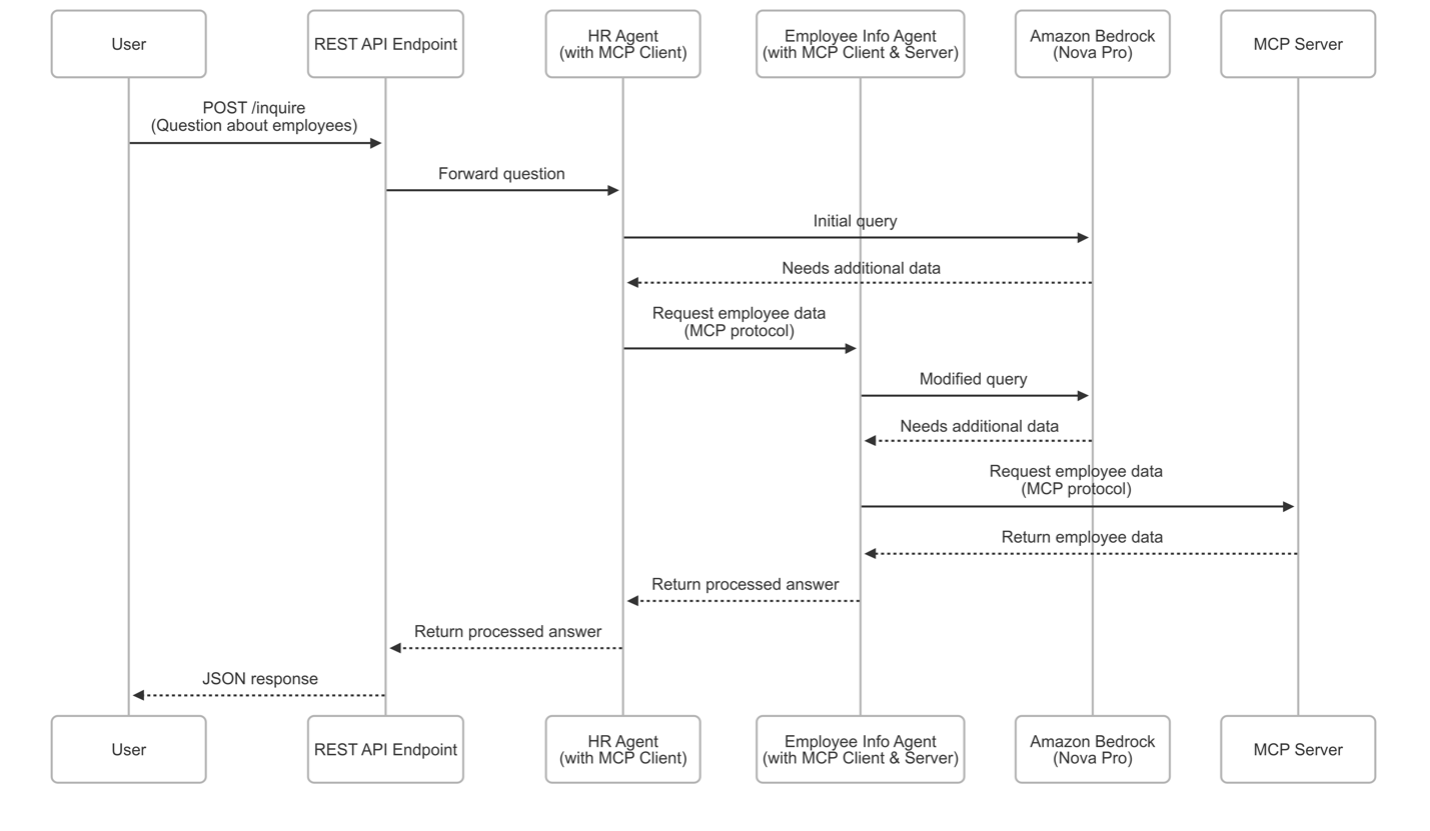
A more advanced extension worth attempting once the basics are comfortable: implement the research assistant a third time with one agent passed as a tool to a higher-level “orchestrator” agent — Strands’ “agents as tools” pattern versus a LangGraph subgraph invoked as a node in a parent graph.
That two-level hierarchy is a far more representative test of “which framework fits our production architecture” than the single flat agent built in this lab, and it’s the natural bridge to the multi-agent-pattern content in the parent tutorial and in Lab 2.
FAQ
Which framework should I use in production?
There’s no universally correct answer, but there is a useful heuristic: if your team is already deep in the AWS ecosystem and doesn’t need third-party integrations beyond Bedrock and MCP tool servers, Strands’ model-driven simplicity is a strong default — it’s the SDK AWS itself uses internally for several of its own agentic products.
If your team needs broad model-provider flexibility, a large library of pre-built integrations, or already has LangChain/LangGraph expertise in place, LangChain plus langchain-aws is the safer, more supported choice. Both are production-viable; the deciding factor is usually team familiarity and ecosystem gravity, not raw capability.
Does Strands only work with Amazon Bedrock?
No. Strands supports Amazon Bedrock as its default and most deeply integrated model provider, but it also has first-class providers for the direct Anthropic API, the Llama API, Ollama for local development, and other providers such as OpenAI through LiteLLM. Bedrock is the “batteries included” default, not a hard dependency.
Why does this lab use create_react_agent instead of LangChain’s AgentExecutor?
Because AgentExecutor combined with create_tool_calling_agent is the older pattern that a lot of existing tutorial content still shows, but the LangChain ecosystem has been steering new agent development toward LangGraph’s prebuilt create_react_agent, which gives you the same tool-calling loop with a more inspectable, checkpoint-able graph underneath. If an older tutorial doesn’t match this lab’s imports, that’s very likely why.
Do I need a vector database for this lab to make sense?
No — the corpus here is intentionally a plain Python dictionary so the lab isolates framework and tool-calling mechanics from retrieval-system complexity. In a real research assistant you’d replace search_documents with a call to a real retriever (Amazon Bedrock Knowledge Bases, OpenSearch Serverless, or any vector store), but that’s a swap inside the tool function’s body — the tool’s signature and docstring stay exactly the same in both frameworks.
What happens if my tool raises an exception?
Both frameworks catch exceptions raised inside a tool call and feed an error representation back to the model as the tool’s result, rather than crashing the whole agent run — this lets the model try a different approach.
Don’t rely on this as your only error handling, though: catch expected failure modes explicitly inside your tool function (like the “unknown document id” case in get_document above) and return a clear, structured message, since a raw stack trace fed back to the model produces noticeably worse follow-up behavior than a clean error string.
You’ve now built the same tool-using research assistant on two of the leading agentic AI frameworks available for AWS workloads — AWS’s own Strands Agents SDK and LangChain wired to Amazon Bedrock via ChatBedrockConverse and LangGraph — and can point to concrete code, not just marketing copy, for where the two frameworks diverge in tool definition, agent construction, and invocation ergonomics.
That side-by-side experience with both agentic AI frameworks is exactly what you need to make an informed framework choice on your next real project instead of picking one on reputation alone.