REA, short for Reverse Engineer Anything, is an open source MCP server that turns Claude Code, Codex, or Cursor into a reverse engineer. Point it at an app and ask how one feature works: it inspects the program without its source code, explains the mechanism, shows the evidence, and builds a version for your own project.
- 362,636 stars
- 90,968 forks
- TypeScript
- MIT
Findings come with receipts
Your agent calls REA through MCP, and REA does the inspecting: it traces the code path behind the feature you asked about and hands back findings with the evidence and the limitations behind each conclusion. Analysis runs locally, so the target never leaves your machine. Setup also installs matching workflow instructions, so your agent knows how to run a proper investigation instead of guessing at the tools.
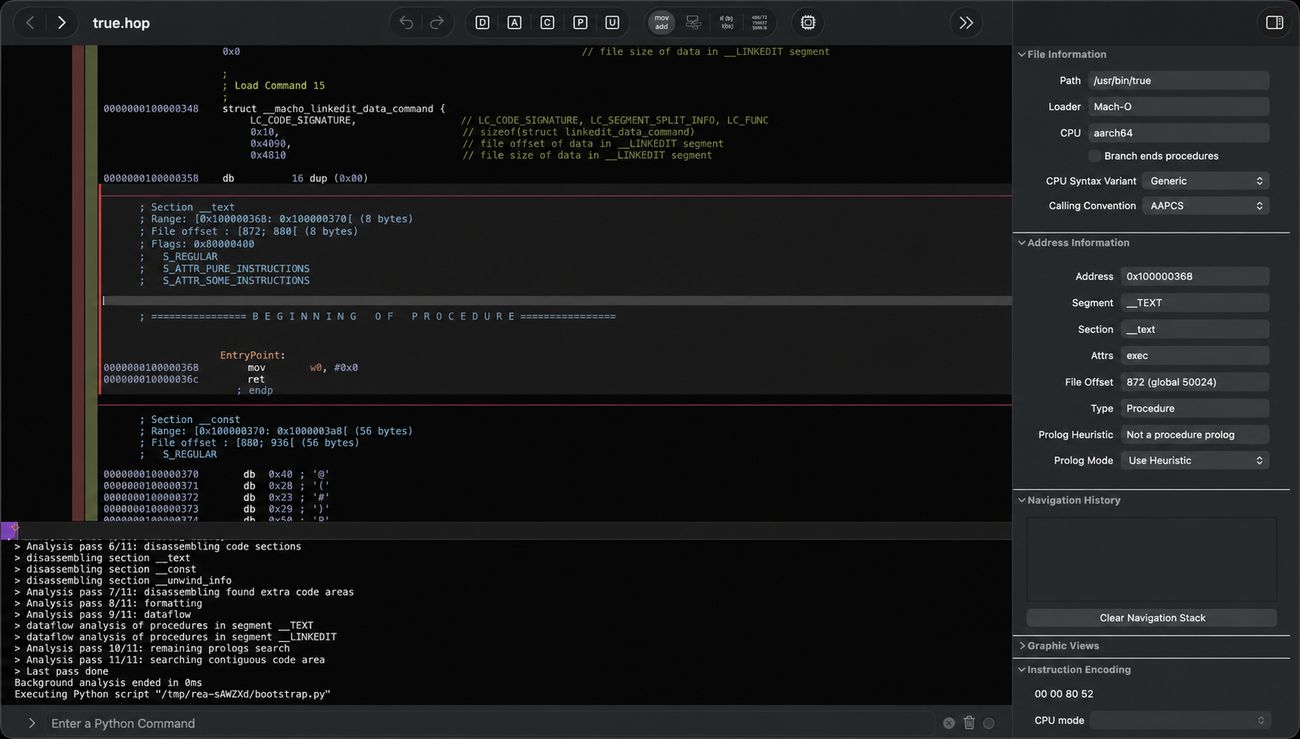
Deep native analysis drives an existing Hopper, Ghidra, or IDA installation. Static JavaScript, Electron, and .NET inspection need none of those, and most of the built-in format checks (Rust crates, Go build settings, APK signatures, model headers) are pure static parsing.
The DX-Ball rebuild is the proof
Reverse engineering tools love demo videos. REA’s showcases publish checkable numbers instead. In the DX-Ball case study, the maintainers reconstructed the 1990s game’s sound-pan calculation from its compiled x86 code, and the reconstruction passes all 3,205 original test cases while reproducing every one of the 63 compiled function bytes. That is a result you can verify, not a screencast you have to trust.
Two more case studies are on the project site: tracing Notion’s Electron clipboard bridge from the renderer through preload into the main process, and recovering the bullet-ring math from TH04, a DOS-era PC-98 game.
It reads almost anything
The tool catalog goes well past desktop apps: Android APKs, firmware images, GPU kernels with retained PTX text, model files like GGUF and safetensors, Rust and Go binaries, WASM modules, packet captures, and SQLite databases. The README’s analysis table lists what each target returns and what extra tooling it needs.
One command to wire it in
npx rea-agents setupSetup registers the MCP server with Claude Code, Codex, Cursor, Gemini CLI, or Grok Build, backs up your existing configuration, and installs the matching skill. Restart your agent and ask it to explain a feature. You need Node.js 22 or newer, and since the project ships fixes fast, keep it current with rea update. For terminal-only work, npm install --global rea-agents gives you the same tools as the rea command.
Prefer to drive it yourself? The same inspection runs from your terminal, for example against an extracted Electron app:
npx -y rea-agents@latest analyze-javascript-application /path/to/app --jsonThe result lists modules, imports, and Electron boundaries with the evidence for each.
Stay on the right side of the line
The project’s own position is explicit: REA is for lawful research, education, interoperability, software preservation, and analysis of software you own or are authorized to examine. Commercial decompilers such as IDA must be properly licensed, and REA grants no license for them.
One more caution from the README itself: download only from the official sources (this repo, rea.tools, or the rea-agents npm package). Lookalike repositories with copied READMEs already exist, and a similar name proves nothing.
Most AI reverse engineering talk is screenshots and vibes. REA is the first project I have seen that treats evidence as a first-class output: every conclusion ships with what supports it and what it cannot yet prove. If your agent is going to rebuild features from other software, that is the bar to hold it to.