Claude Code extensibility gives you four distinct mechanisms to reshape the agentic coding workflow around your team’s needs. Skills, Hooks, Subagents, and Plugins each occupy a unique position on the extensibility spectrum, and choosing the wrong one wastes time, tokens, and context. This guide gives you a decision framework so you pick correctly the first… Continue reading
Posts Tagged → new
Claude Code Headless Mode: Easy Automation Guide
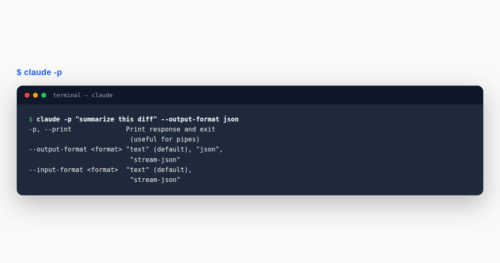
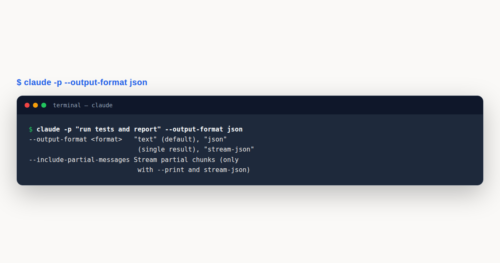
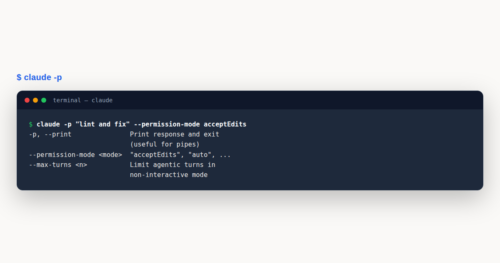
Headless mode lets you run Claude Code without the interactive terminal — piping prompts in, capturing structured output, and driving the agent from shell scripts, CI pipelines, and other programs. Headless mode is the foundation for automating code review, commit linting, and autonomous development workflows. This guide covers headless mode end to end: the -p… Continue reading
Claude Code MCP Configuration: Best Advanced Guide
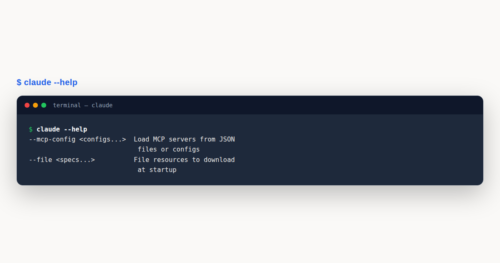
MCP configuration is the difference between a Claude Code setup that quietly stalls on a broken server and one that runs dozens of tools across local processes, remote HTTPS endpoints, and enterprise allowlists without friction. This guide goes past the install step and into the transport, scope, authentication, and tool-search decisions that make a fleet… Continue reading
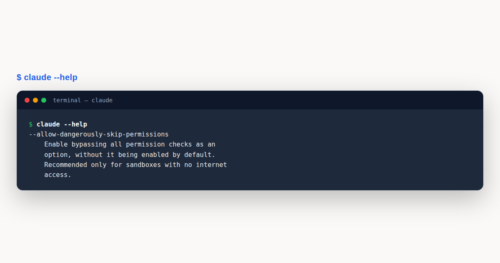
Claude Code Permissions: Easy Security Guide
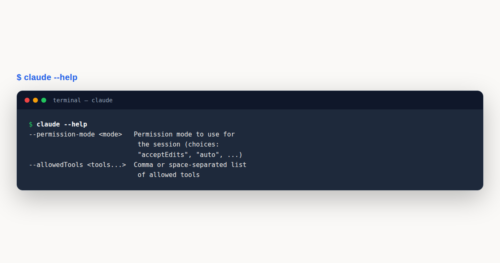
Permissions govern every action Claude Code takes on your machine, from reading a file to executing a shell command. Understanding the six modes, the rule syntax in settings.json, and how hooks gate tool calls lets you work faster without sacrificing safety. This guide covers the full interactive permission system, from manual approval to enterprise lockdown,… Continue reading
Claude Code Worktrees: Powerful Parallel Guide
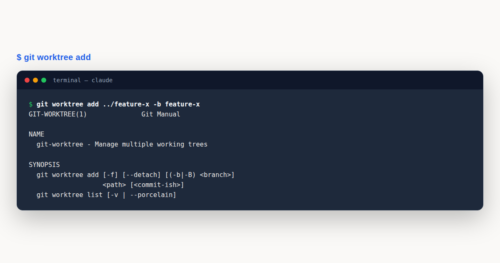
Worktrees let Claude Code run parallel branches, isolate subagents, and scale development without context collision. Instead of stashing half-finished changes to switch tasks, you spin up a dedicated checkout for each effort. This guide covers the native –worktree flag, the EnterWorktree tool, subagent isolation, the /batch skill, hooks for non-git VCS, and the cleanup lifecycle… Continue reading
Claude Code Enterprise: Best Team Setup Guide
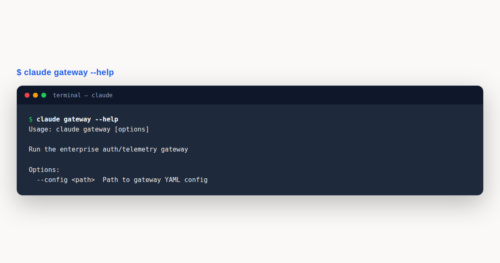
Enterprise rollouts of Claude Code live or die on identity, policy, and observability. This guide walks the full team-deployment path: choosing a seat model, wiring SSO and SCIM, distributing managed settings, locking down MCP and hooks, and exporting telemetry. By the end you can ship Claude Code to thousands of engineers without losing control of… Continue reading
Claude Code Token Management: Easy Cost Guide
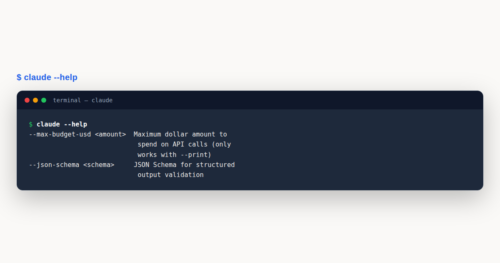
Token management is the practice of tracking, controlling, and optimizing the tokens that Claude Code consumes during every coding session. Because each prompt, file read, and tool call draws from a finite 200,000-token context window and a metered API budget, understanding where your tokens go is the single highest-leverage skill for keeping costs predictable. This… Continue reading
Claude Code Sessions: Easy Continuity Guide
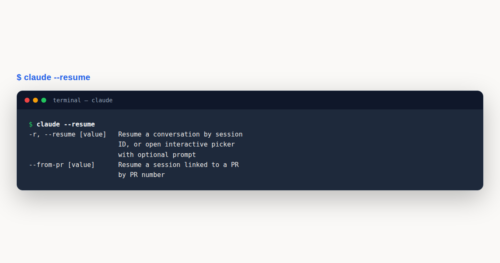
Sessions are the backbone of working with Claude Code across time and devices. A session is a saved conversation tied to your project directory, stored locally as you work. You can resume it after exiting, branch it to try a different approach, continue it from your phone, or rewind file changes when something goes wrong…. Continue reading
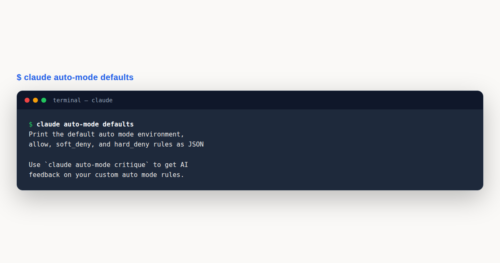
Claude Code Auto Mode: Easy Autonomous Guide
Auto mode is a Claude Code permission mode that delegates per-action approval decisions to a model-based classifier instead of a human. Sitting between manual approval and the unrestricted –dangerously-skip-permissions flag, it lets you keep your hands on the keyboard while a safety classifier reviews every tool call. This guide covers the six permission modes, the… Continue reading
Claude Code VS Code: Easy IDE Guide
VS Code developers can supercharge their daily workflow with the Claude Code extension, bringing AI-powered coding assistance directly into the editor. The JetBrains plugin offers parallel capabilities for IntelliJ, PyCharm, and WebStorm users. This guide covers installation, core features, and workflow patterns for both IDE integrations. VS Code: What You’ll Learn Working with Claude Code… Continue reading
Claude Code Effort Levels: Best Ultraplan Guide
Effort levels control how deeply Claude reasons before responding, shaping the quality, cost, and speed of every coding session. Claude Code exposes five tiers, from a lean low preset to a maximum-reasoning max mode, plus the adaptive auto reset. Choosing the right level for each task is the difference between a snappy fix and a… Continue reading
Claude Code GitHub Actions: Best CI Guide
GitHub Actions integration lets Claude Code participate in your pull requests, issues, and scheduled pipelines without leaving GitHub. Tag @claude in a comment, and Claude analyzes your diff, implements features, or posts review findings on the exact lines that changed. This guide covers workflow setup, automated code review, and self-hosted GitHub Enterprise Server differences so… Continue reading
Claude Code Settings.json: Complete Reference Guide
settings.json is the most important configuration file in Claude Code. It controls which model runs, what permissions Claude has, which hooks fire on tool events, and what environment variables apply. Understanding the five settings scopes, merge rules, and the full field list transforms Claude Code from a personal tool into a governed, reproducible engineering platform…. Continue reading
Claude Code GitLab CI: Easy Pipeline Guide
GitLab CI lets you run Claude Code inside your pipelines so merges, issues, and review comments can trigger real code changes. You add one job to .gitlab-ci.yml, store a masked API key, and mention @claude to get working merge requests. This guide walks through setup, triggers, authentication, and the key differences from GitHub Actions. GitLab… Continue reading
Claude Code Agent SDK: Build Custom Agents Guide
Agent SDK is the programmatic gateway to building production AI agents with the same engine that powers the Claude Code CLI. Instead of typing prompts into a terminal, you write Python or TypeScript code that drives Claude autonomously through file reads, shell commands, and tool calls. This guide covers installation, configuration, streaming, custom tools, MCP… Continue reading
Claude Code Routines: Easy Scheduling Guide
Routines put Claude Code on autopilot. A routine is a saved configuration—prompt, repositories, and connectors—packaged once and run automatically on Anthropic-managed cloud infrastructure. This guide covers routines, the /schedule command, the /loop command, and Desktop scheduled tasks, so you can pick the right scheduling tool for recurring work. routines: What You’ll Learn Routines let Claude… Continue reading
Claude Code vs Cursor vs Copilot: Honest Comparison
Claude Code vs Cursor is the comparison most teams now run before committing to an AI coding stack, and GitHub Copilot belongs in the same conversation because it remains the cheapest and widest-deployed option. The three tools overlap but differ sharply on pricing, models, workflow fit, and data handling. This guide compares them honestly —… Continue reading
Claude Code Secure Coding: Powerful Guide
Secure coding with Claude Code means catching vulnerabilities as code is written, not after it reaches a pull request. The security-guidance plugin reviews Claude’s own changes for injection, unsafe deserialization, and DOM risks, fixing issues in the same session before human reviewers ever see them. Secure Coding: What You’ll Learn Secure coding becomes practical when… Continue reading
Claude Code Agent Teams: Powerful Guide
Agent teams let you coordinate multiple independent Claude Code sessions working together on a shared problem. One session acts as the team lead, spawning teammates that each run in their own context window and message each other directly. This experimental feature unlocks genuine parallel collaboration for research, review, and multi-layer implementation work that no single… Continue reading
Claude Code CLI Reference: Easy Configuration Guide
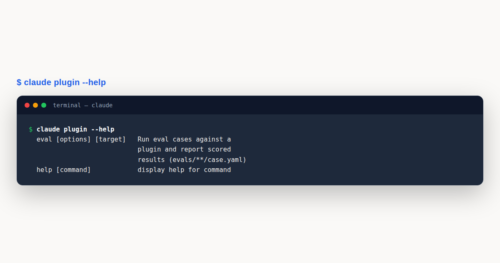
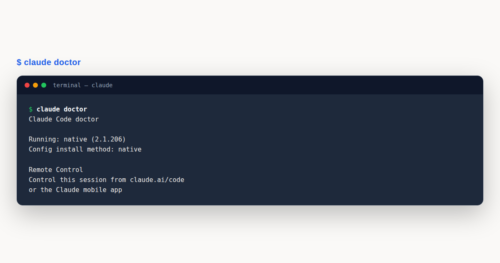
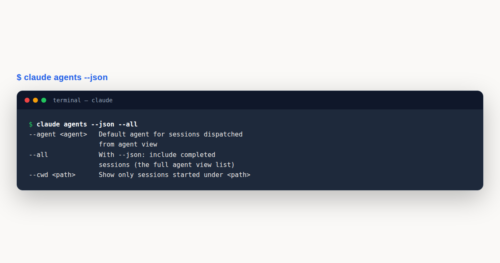
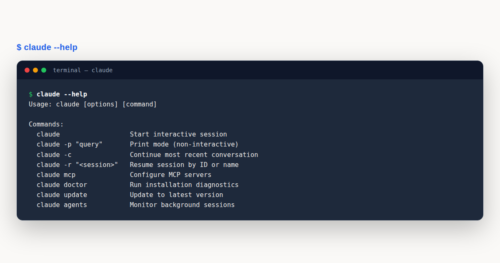
CLI reference for Claude Code puts every command, flag, and configuration file at your fingertips. The claude binary handles interactive sessions, headless automation, background agents, and enterprise policy from one entry point. This guide walks the full command surface so you can configure, script, and troubleshoot without guesswork. CLI reference: What You’ll Learn This CLI… Continue reading