Awesome MCP Servers is the closest thing the Model Context Protocol ecosystem has to a phone book. More than 3,300 server implementations are sorted into 58 categories, from databases and browser automation to code execution and cloud platforms. When an agent needs to touch an external system, this list usually has a server for it already.
View Awesome MCP Servers on GitHub
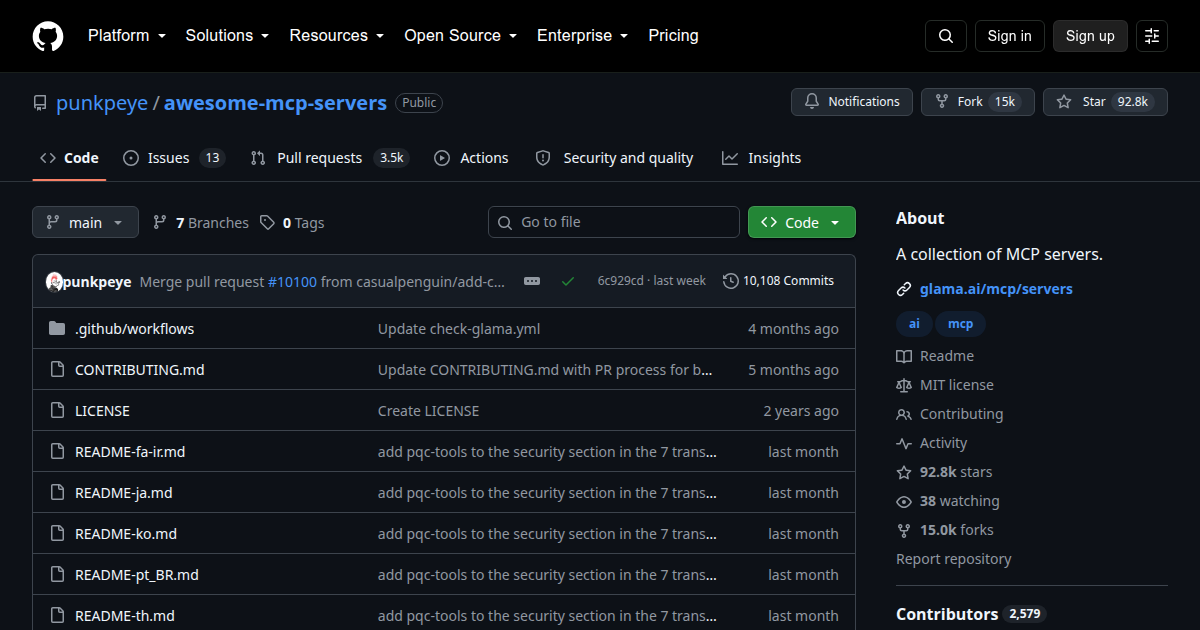
- 95,455 stars
- 16,514 forks
- MIT
Born the same month as the protocol
The repository started in November 2024, the month Anthropic open-sourced MCP, and it has tracked the ecosystem ever since. The README ships in seven translated editions alongside the English one, an active Discord and r/mcp community has grown around it, and commits landed the week this post was written. At 92,000 stars it ranks among the most starred entries in the whole awesome-list family.
How to read an entry
Every entry carries badges, and the badges carry the judgment. A medal marks an official implementation, maintained by the project whose API it exposes. A language badge tells you whether the server is Python, TypeScript, Go, Rust, C#, Java, C/C++, or Ruby. A scope badge separates cloud services from local ones and embedded systems. When a PostgreSQL server carries the official medal, the maintenance story is different from a weekend port, and the legend makes that visible at a glance.
For reference implementations, the protocol team maintains its own archive at modelcontextprotocol/servers. This list casts a wider net across community and vendor servers, which is exactly why the two belong in the same bookmark folder.
One shelf bundles the rest
The first category, Aggregators, says a lot about where the ecosystem is heading. Entries there fold many servers into a single endpoint: one project aggregates multiple MCP servers into one, another exposes 180+ tools spanning geocoding, weather, patents, and arXiv search, and a third live-probes remote servers and publishes grades for schema quality and latency. Once a catalog passes three thousand entries, aggregation stops being a convenience and becomes the practical way to consume it.
More than a text file
The README is only the tip. A companion web directory at glama.ai/mcp/servers gives each server a detail page with a quality score, and the score badges inside the README link straight into those pages. A sibling repository, awesome-mcp-clients, covers the other side of the connection.
One honest limitation: entries are one-liners. The list tells you a server exists, not whether it works. Servers age as fast as the ecosystem grows, so click through and check a server’s own commit activity before adopting it. The Star History chart pinned to the bottom of the README tells the protocol’s adoption story in one image, if you want the context.
Where to start
If the protocol itself is new to you, begin with what an MCP server actually is, then work through Microsoft’s curriculum in MCP for Beginners. After that, use this list the way it wants to be used: open the category that matches your stack, filter for the official medal when reliability matters, and treat community servers as candidates to evaluate rather than defaults. For a first connection, the database and browser-automation shelves are the natural hunting grounds.
Awesome MCP Servers is a directory, and a good one: current, categorized, and honest about what each badge means. You will not read it end to end. Bookmark it anyway, because the next time a build needs a tool connection you would rather not hand-write, this is where you look first.
Continue learning: