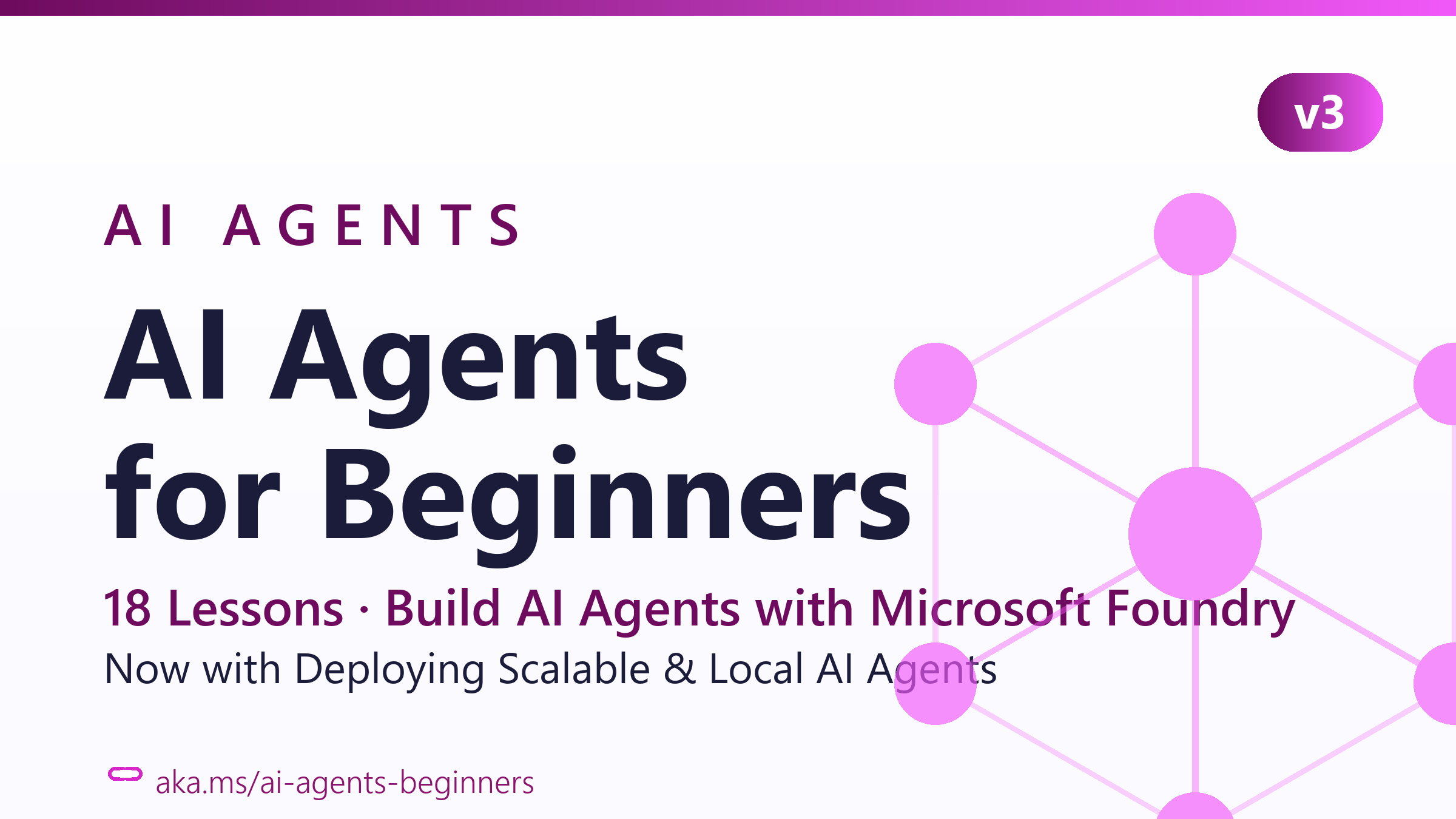
Microsoft’s AI Agents for Beginners is the agent-specific sequel to their GenAI course, 18 lessons, each with a written README, a short video walkthrough, and Python code samples. Where the GenAI course teaches you how LLMs work, this one assumes you know and shows you how to wrap them into agents that actually do things.
View AI Agents for Beginners on GitHub
- 69,541 stars
- 23,064 forks
- Jupyter Notebook
- MIT License
Three components per lesson
Every lesson ships with the same triple format: a written README explaining the concept, a short video walkthrough, and Python code samples in a code_samples/ folder. The combination is the value, most agent courses give you one or two of those, rarely all three in sync. If you learn better from video than text, the YouTube links are first-class, not bolted on.
Topics span the agent design space: intro and use cases, agentic frameworks compared, design patterns (ReAct, reflection, tool use, multi-agent), evaluation, and integration with real services. Each lesson also links to a curated “extra learning” collection for going deeper.
Microsoft Agent Framework is the substrate
The code samples are written against Microsoft Agent Framework (MAF) and the Foundry Agent Service V2. This is the honest trade-off: the curriculum is free, the runtime is Microsoft’s. You’ll need an Azure account to follow along with the Foundry-hosted examples, though some samples support OpenAI-compatible alternatives (MiniMax and its 204K-token context is explicitly mentioned in the setup docs).
If your employer is already on Azure, this is a feature, not a bug, the lessons map directly onto what you’d ship at work. If you’re AWS- or GCP-only, treat it as conceptual training and expect to translate the framework calls to LangGraph or CrewAI yourself.
It’s the sibling, not the sequel
The course explicitly points back to Generative AI for Beginners for learners who don’t yet have the underlying LLM mental model. The recommended order is GenAI first (21 lessons on how the models work), then this one (18 lessons on turning them into agents). Doing them in reverse order works but you’ll feel the gaps.
Same Microsoft Cloud Advocates team, same Co-op Translator pipeline producing 50+ language translations, same Foundry Discord for support. If you liked the GenAI course’s structure, this one feels familiar on purpose.
Where it ends and what to read next
The course stops at “shipping an agent that works in dev”. For production concerns, durable memory, observability, deployment, cost control, pair it with something like LLM Course‘s Engineer track. Microsoft’s curriculum is the on-ramp; it’s not the whole road.
What you won’t get
The course is opinionated about its stack, so it’s quiet about alternatives. There’s no meaningful comparison of MAF against LangGraph, CrewAI, AutoGen, or smolagents, the lessons assume you’re using MAF, and other frameworks get mentioned in passing at most. That’s a defensible pedagogical choice (teach one thing well) but it means you’ll need outside reading to pick the right framework for a non-Microsoft project.
Run it
Sparse-checkout clone to skip the translation bulk:
git clone --filter=blob:none --sparse https://github.com/microsoft/ai-agents-for-beginners.git
cd ai-agents-for-beginners
git sparse-checkout set --no-cone '/*' '!translations' '!translated_images'
Then start with 00-course-setup to wire up your Foundry or OpenAI-compatible provider.
AI Agents for Beginners is the cleanest free starting point if you want a structured, opinionated (Microsoft-flavored) tour of how to build agents. Star it, do lessons 1-3 in order, and you’ll know whether the agent rabbit hole is for you before spending a cent on Foundry.
Continue learning:
- Hugging Face Agents Course: Free, Certified, Benchmarked
- 500+ AI Agent Projects: The Cross-Referenced Index
- Generative AI for Beginners: Microsoft 21-Lesson GenAI Course
- Prompt Engineering Guide: The Technique-by-Technique Reference
- Browse more Creator Picks
- LLM Zoomcamp: the Free 10-Week LLM Course
- Ed Donner's Free LLM Engineering and Agentic AI Courses