An MCP server is a program that provides context to an AI application through the Model Context Protocol. It exposes tools, data and prompt templates over a standard interface, so any client that speaks the protocol can use it without custom integration work on either side.
MCP server: What You’ll Learn
This guide defines what an MCP server is, how it differs from the client and the host it talks to, and what it can actually expose. It covers both transports, why the protocol is stateless, and how a client discovers what a server offers.
Everything here is checked against the current Model Context Protocol specification, dated 2026-07-28. That matters more than usual right now, because two primitives were deprecated in this revision and most published explainers still describe them as current.
What an MCP server actually is
The Model Context Protocol is an open standard for connecting AI applications to external systems. Its own documentation offers an analogy worth keeping: MCP is like a USB-C port for AI applications. Just as USB-C gives you one physical connector for many devices, MCP gives you one interface for many data sources and tools.
An MCP server sits on the far side of that connector. It is a program that serves context, and the specification is deliberate that the term says nothing about where it runs. A server can execute locally on your own machine or remotely on a vendor’s platform. Both are MCP servers.
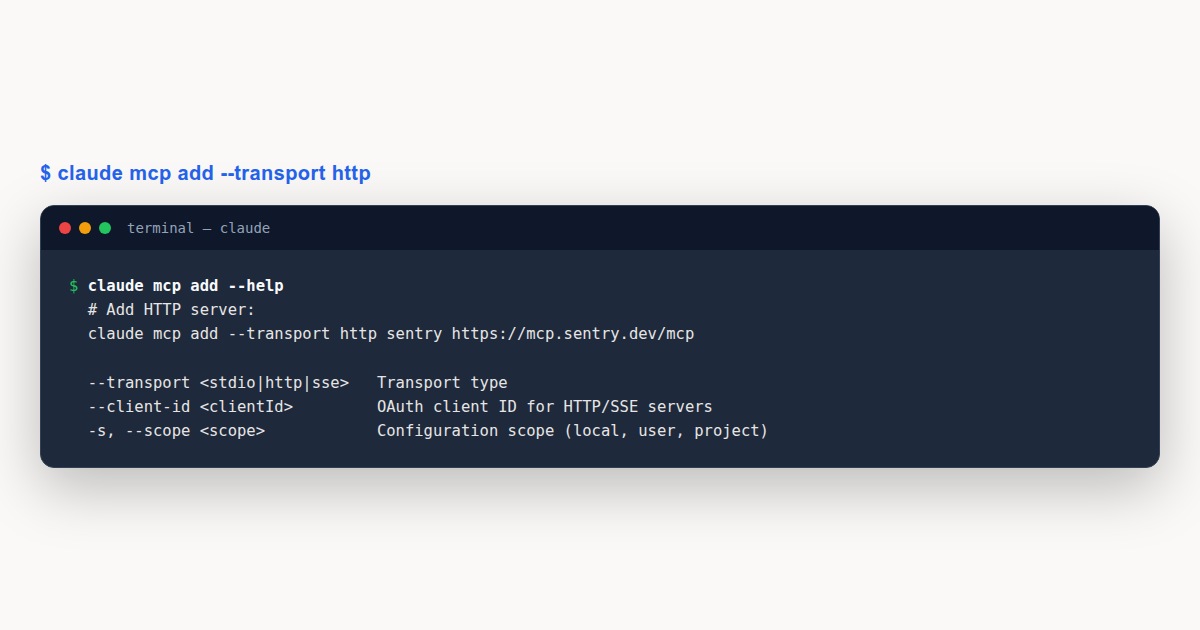
That is the definition people most often get wrong. A server here is not a machine in a rack. When Claude Desktop launches a filesystem server, that server runs as a local process on your laptop and is still an MCP server. When Sentry hosts one on its own platform, that is also an MCP server. The word describes the role in a protocol, not the deployment.
What MCP does not do is equally worth stating. The protocol focuses solely on context exchange. It does not dictate how an AI application uses a language model or manages the context it receives. Those decisions stay with the application.
Host, client and server: the three roles people mix up
MCP follows a client-server architecture with three named participants, and conflating any two of them makes the rest of the protocol hard to follow.
- MCP host: the AI application that coordinates and manages one or more clients. Claude Code, Claude Desktop and Visual Studio Code are hosts.
- MCP client: a component that maintains a connection to one server and obtains context from it for the host to use.
- MCP server: the program that provides that context.
The relationship that surprises people is the ratio. The host creates one client for each server. Connect Visual Studio Code to a Sentry server and its runtime instantiates a client object for that connection. Connect it to a local filesystem server as well and it instantiates a second, separate client. Each client maintains a dedicated connection to its own server.
Direction of travel also matters. A local server using the stdio transport typically serves a single client, because it was launched as a subprocess of one host. A remote server using Streamable HTTP typically serves many clients at once, because it is a shared service.
The three things a server can expose
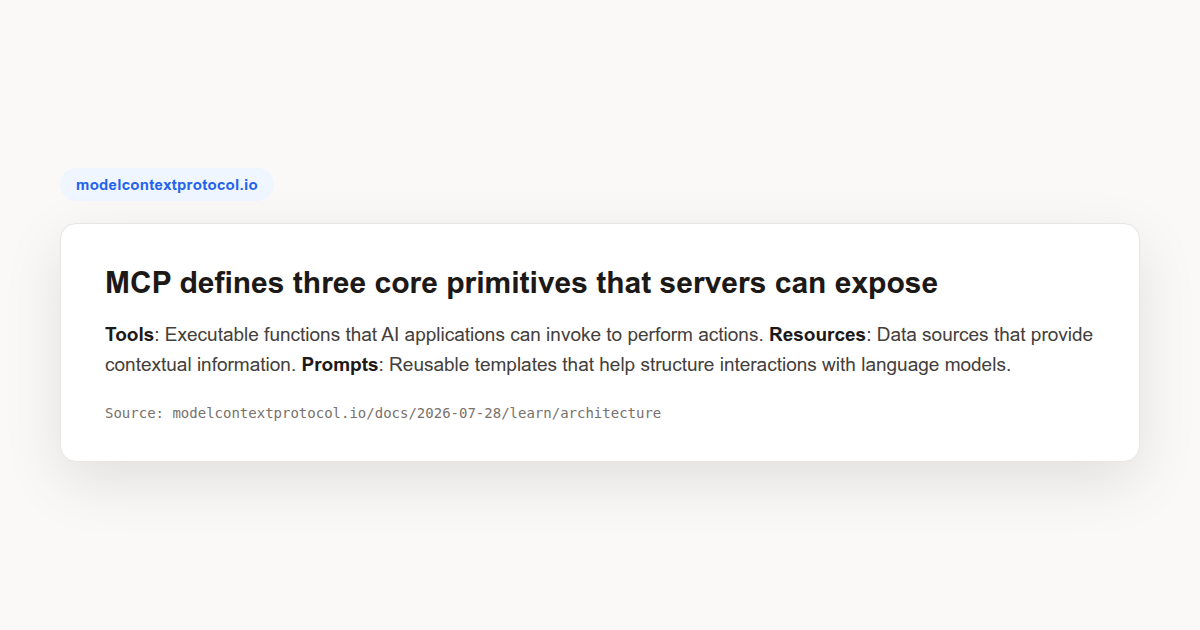
Primitives are the most important concept in MCP. They define what clients and servers can offer each other, and a server has exactly three to work with.
Tools are executable functions the AI application can invoke to perform actions: file operations, API calls, database queries. Resources are data sources that provide contextual information, such as file contents or database records. Prompts are reusable templates that structure interactions with the model, including system prompts and few-shot examples.
A single server usually mixes them. The specification’s own example is a server that provides context about a database: tools for querying it, a resource containing the schema, and a prompt carrying few-shot examples for using the tools well. Read that way, the three primitives are answers to three different questions. What can the model do, what should it know, and how should it ask.
Each primitive type has methods for discovery, retrieval and in some cases execution. Clients call tools/list to enumerate what exists and tools/call to run one. The listing is a request rather than a static file, which is what allows a server’s capabilities to change while it is running.
What clients expose back, and what just got deprecated
Servers are not the only side that offers primitives. Clients expose capabilities too, which is what lets server authors build richer interactions than a one-way data feed.
In the current specification there is one live client primitive. Elicitation allows a server to request additional information from the user, which is how a server asks for a missing value or confirms an action before performing it. Servers trigger it with the elicitation/create method.
Two others were deprecated as of protocol version 2026-07-28, and this is where a lot of published material is now out of date. Sampling let a server request a model completion from the client’s AI application, so server authors could reach a language model without bundling an SDK. Logging let servers send log messages to clients for debugging.
The replacement guidance is explicit. New implementations should integrate directly with a language model provider’s API rather than using sampling, and should log to stderr on the stdio transport or use OpenTelemetry rather than the logging primitive.
If you are reading a tutorial that lists sampling as one of the client primitives alongside elicitation, check its date. That was accurate until very recently and is not a sign the author was careless, but building on it now means building on a deprecated method.
Two transports, and when each one applies
MCP separates what is said from how it travels. The data layer defines a JSON-RPC 2.0 protocol carrying the primitives and notifications. The transport layer defines the channel underneath. Two transports exist.
Stdio uses standard input and output streams for direct communication between processes on the same machine. There is no network overhead, which makes it the fastest option, and it is why local servers are launched as subprocesses of the host.
Streamable HTTP uses HTTP POST for client-to-server messages, with optional Server-Sent Events for streaming. This is what makes remote servers possible. It supports standard HTTP authentication including bearer tokens, API keys and custom headers, and the specification recommends OAuth for obtaining those tokens.
Because the transport layer abstracts the channel away, the same JSON-RPC message format works across both. A tool call looks identical whether it travelled through a pipe on your laptop or an HTTPS request to another continent. That separation is the reason a server author rarely has to think about transport at all.
Why MCP is stateless, and what that changes
MCP is a stateless protocol. Every request carries the protocol version and the relevant capabilities in its _meta field, so a server can process each request on its own without inferring anything from previous ones. Clients also identify themselves in the same field unless configured not to.
This has a practical consequence worth understanding before you debug anything. There is no session to establish and no handshake whose absence explains a failure. If a request fails, the information needed to diagnose it is in that request.
Servers advertise what they support through a mandatory server/discover request, which a client may send before any other. The response lists supported protocol versions and capabilities. If a server does not support the version a client asked for, it rejects the request with an error naming the versions it does support, and the client retries with a mutually supported one.
Calling server/discover is optional. Because every request already carries the same metadata, a client can send any request directly and handle a version error if one comes back. Discovery is a convenience that fetches identity, capabilities and versions in a single round trip.
How a client keeps up when a server changes
Tool lists are not fixed. Tools may appear or disappear based on server state, external dependencies or user permissions, so the protocol supports notifications that let a server tell a client something changed.
These are opt-in, which is a detail worth knowing. The client opens a long-lived stream with a subscriptions/listen request naming the notification types it wants. The server acknowledges with the subset it agreed to honour, omitting anything it does not support. Only then do matching notifications arrive on that stream.
Notifications are also best effort. There are no guarantees every one is sent or received, particularly across transport reconnects, so the specification advises clients to keep polling to preserve freshness rather than treating the stream as authoritative.
Responses carry caching hints for the same reason. A tools listing can come back with a time-to-live in milliseconds and a scope indicating who may reuse it, which lets a client avoid re-listing on every turn without going stale.
What an MCP server is not
Several things get called MCP servers that are not, and the confusion costs people time when they try to connect them.
A REST API is not an MCP server. It may expose the same underlying capability, but MCP defines a specific JSON-RPC method set, a discovery request and a primitive model. Wrapping an API in an MCP server is a real and common piece of work precisely because the two are not the same thing.
A plugin is not an MCP server either. Plugins are host-specific by design, which is the problem MCP was created to solve. Build a plugin and it works in one application. Build an MCP server and any client that speaks the protocol can use it, which is where the build-once claim comes from.
A server is also not a language model, and does not contain one. The protocol deliberately stays out of how the host uses a model. This is why the sampling deprecation is coherent rather than a loss: reaching back through the client for a completion was always a workaround for servers that wanted model access without the dependency.
The ecosystem you can actually connect to
MCP is supported across a wide range of clients and servers, which is what makes the standard useful rather than merely well-designed. Claude and ChatGPT both support it. So do development tools including Visual Studio Code and Cursor.
On the server side there are reference implementations maintained in the open, covering common cases like filesystem access, alongside vendor-hosted servers such as Sentry’s. The specification, the SDKs across several languages, the MCP Inspector for development and those reference servers
For everything beyond that reference set, our Awesome MCP Servers pick walks through the catalog most builders browse first: 3,300+ community and vendor servers, and how to read the badges that mark the trustworthy ones.
The practical consequence for anyone choosing where to invest effort is that a server you write is portable in a way a plugin is not. That portability is the entire argument for the protocol.
Judging an MCP server before you connect it
Connecting an MCP server hands it a position of real trust. A server exposing tools can act on your behalf, and one exposing resources can read data you may not have thought about. Before adding any MCP server, a few questions are worth asking.
Where does it run, and what does that imply? A local MCP server launched over stdio runs with your user’s permissions on your machine. A remote MCP server sees whatever you send it, across the network, on infrastructure you do not control. Neither is inherently safer, but they fail differently.
How does it authenticate? A remote MCP server should support proper token handling, and the specification recommends OAuth for obtaining those tokens. A server asking you to paste a long-lived API key into a config file is not disqualifying, but it is worth noticing where that key then lives.
What does it actually expose? Use the discovery request. Because every MCP server must implement server/discover, and tool listings are just requests, you can enumerate exactly what a server offers before trusting it with anything. A server whose tool list is broader than its description suggested is telling you something.
Who maintains it? There is a meaningful difference between a reference implementation maintained alongside the specification, a vendor-hosted MCP server for that vendor’s own product, and an unaffiliated wrapper. All three are legitimate, but only the first two carry an obvious accountable owner.
The reason this matters more for an MCP server than for an ordinary dependency is the combination of reach and autonomy. A library runs when your code calls it. An MCP server exposes tools a model may decide to call on its own, which means the decision to invoke it is not always yours.
A Worked Example: what happens when a tool runs
Trace a single tool call end to end and the architecture stops being abstract. Say a host is connected to a weather server and the model decides it needs a forecast.
First the client needs to know what exists. It sends tools/list, and the server responds with an array of tool objects. Each carries a name that is unique within the server’s namespace, a human-readable title, a description of what it does and when to use it, and an inputSchema written as JSON Schema declaring the parameters.
That schema is doing more work than it appears. It gives the host enough information to validate arguments before sending them and gives the model a precise statement of what the tool accepts, which is why well-described schemas produce better tool use than terse ones.
Then the call itself. The client sends tools/call with the tool name exactly as it appeared in the listing, plus an arguments object matching the schema:
{
  "jsonrpc": "2.0",
  "id": 3,
  "method": "tools/call",
  "params": {
    "name": "weather_current",
    "arguments": {
      "location": "San Francisco",
      "units": "imperial"
    }
  }
}
The response comes back as an array of content objects rather than a bare string. Each has a type, so a tool can return text, images or resources, and a client that understands the format can render them appropriately.
The host then hands that content back to the model as part of the conversation. Nothing in this exchange required the host to know anything about weather, and nothing required the server to know which model was asking. That mutual ignorance is the point.
MCP server: Common Mistakes to Avoid
Most early problems come from misreading the architecture rather than from the code.
- Assuming a server must be remote. Local stdio servers running as a subprocess on your own machine are servers in the full sense. Nothing needs to be deployed for MCP to be useful.
- Building on sampling. It was deprecated in the 2026-07-28 revision. Integrate with a model provider’s API directly instead.
- Expecting notifications without subscribing. Change notifications are opt-in and best effort. A client that never opens a
subscriptions/listenstream receives nothing, and one that relies on the stream alone will eventually miss an update. - Writing terse tool descriptions. The description and input schema are what the model reasons over when deciding whether to call your tool. A vague description is the most common cause of a tool that exists but never gets used.
MCP server: Best Practices
- Namespace tool names clearly. The specification recommends names like
calculator_arithmeticover a barecalculate, because names must be unique within a server and legible to a model choosing between them. - Treat the input schema as documentation. Describe each parameter and mark which are required. It is the contract the model reads before calling.
- Pick the transport from the deployment, not preference. Stdio for a local process serving one host, Streamable HTTP for a shared service serving many.
- Use OAuth for remote servers. The specification recommends it for obtaining tokens, and a remote server usually sits in front of data worth protecting.
- Check the spec date before trusting a tutorial. MCP versions its documentation by date, and the primitive set changed in the current revision.
MCP server: Frequently Asked Questions
What is an MCP server in simple terms?
It is a program that gives an AI application access to something outside itself, through a standard interface. That might be your filesystem, a database, or a third-party service. The AI application connects to it and can then use the tools and data it exposes without any custom integration.
What is the difference between an MCP server and an MCP client?
The server provides context. The client consumes it and maintains the connection on behalf of a host application. A host creates one client per server it connects to, so connecting to three servers means three clients inside one application.
Does an MCP server have to run on the internet?
No. A server can run locally as a subprocess on your own machine using the stdio transport, or remotely using Streamable HTTP. The specification is explicit that the term refers to the role, not to where the program runs.
What can an MCP server expose?
Three primitives. Tools are executable functions the model can invoke, resources are data sources that supply context, and prompts are reusable templates for structuring an interaction. A single server commonly provides all three.
Which MCP client primitives are still current?
Elicitation, which lets a server request extra information or confirmation from the user. Sampling and logging were both deprecated in protocol version 2026-07-28, with direct provider integration and standard logging recommended instead.
An MCP server is the supply side of a standard interface between AI applications and everything outside them. Get the three roles straight, pick the transport your deployment implies, and describe your tools as if a model has to choose between yours and someone else’s, because it does.
Continue Learning
- Claude Code MCP Servers: Easy Setup Guide
- Claude Code MCP Configuration: Servers, Auth, Debugging
- MCP Tutorial: Microsoft’s Multi-Language Course
- Agentic Resource Discovery: The ARD Spec Explained
- Claude Certification Explained: The Four Exams Compared: the paid proctored exam track behind these courses.